The Complete Nano Banana Pro Prompt Guide for AI Model Creators
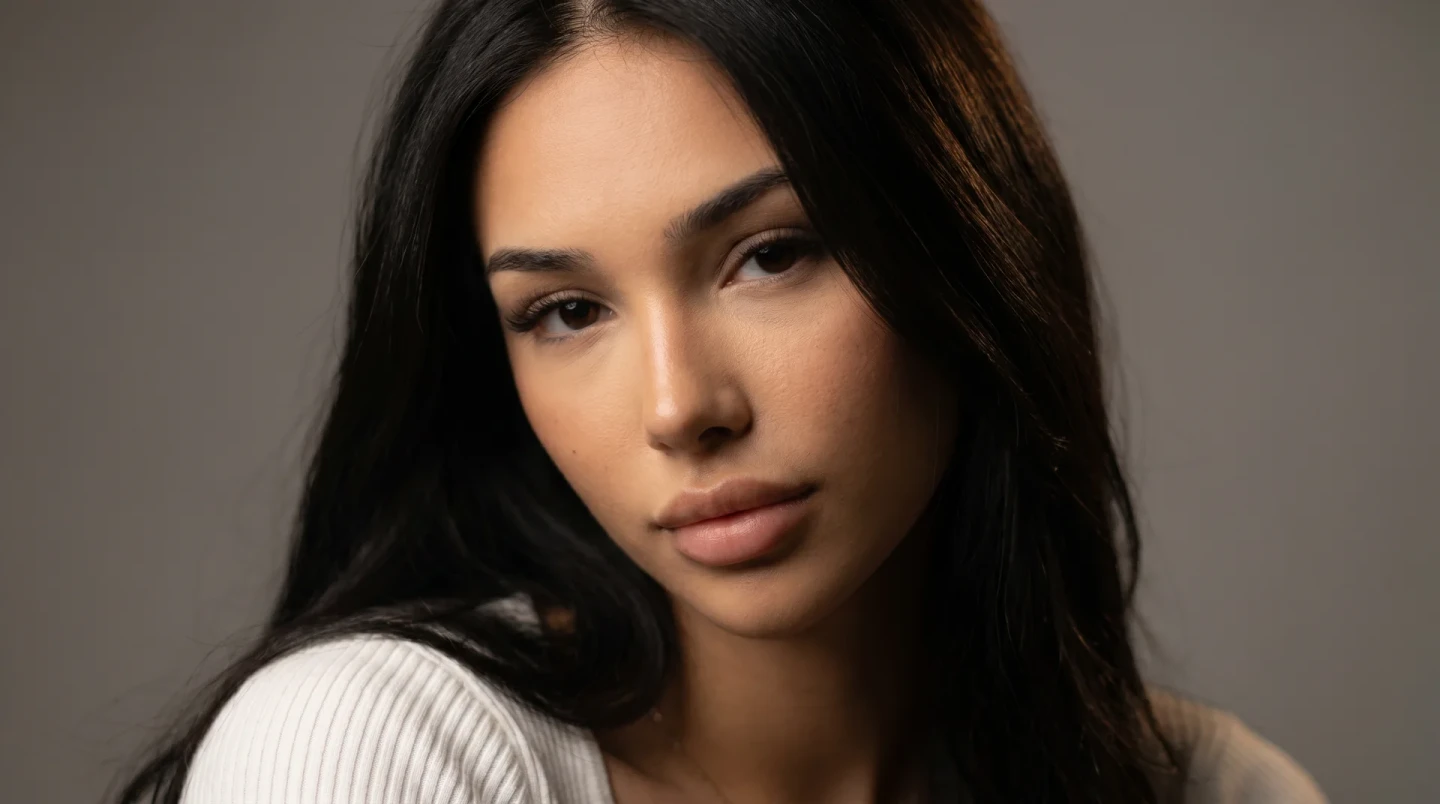
If you're building AI models or virtual influencer content in 2026, there's a good chance Nano Banana Pro is already in your toolkit. Google's Gemini 3 Pro Image model has become one of the most reliable options for photorealistic, character-consistent output — but most people are still prompting it like it's a basic text-to-image tool. That's leaving a lot of quality on the table.
This guide breaks down exactly how to structure prompts for Nano Banana Pro so you get consistent, usable results instead of generic AI-photo mush.
Why Nano Banana Pro Is Different
Nano Banana Pro isn't just a generator — it's an editing-aware model that understands context, maintains subject consistency across multiple generations, and renders text inside images with unusual accuracy. That makes it especially strong for two things AI model creators care about most: keeping a consistent "face" across dozens of photos, and producing studio-grade detail without a photography background.
The tradeoff is that it rewards precision. Vague prompts get vague results. Specific, well-structured prompts get results that look like they came out of an actual camera.
The Core Prompt Structure
The most reliable formula follows a simple order: Subject → Action/Pose → Scene → Lighting → Camera & Lens → Style Modifiers.
Subject: Describe who's in frame with enough specificity to anchor consistency — age range, build, hair, defining features. The more consistent your subject description across prompts, the more consistent your model looks across a content set.
Action/Pose: What is the subject doing? Standing, walking, looking over the shoulder, mid-laugh. Avoid stiff, static descriptions — "candid mid-step" reads more naturally than "standing."
Scene: Where are they? Be specific about location details — not just "city street" but "narrow cobblestone alley with string lights overhead."
Lighting: This is the single highest-leverage element in any prompt. "Golden hour backlight," "soft overcast diffused light," and "harsh midday sun with hard shadows" all produce dramatically different moods from the same subject and scene.
Camera & Lens: Mentioning a specific lens (35mm, 85mm portrait) and aperture (f/1.8 shallow depth of field) signals the model to apply realistic optical characteristics — background blur, compression, depth.
Style Modifiers: Final layer — "editorial photography," "ultra-realistic," "film grain," or a specific aspect ratio.
Example Prompt
"A woman in her mid-20s with shoulder-length wavy brunette hair, walking through a sunlit European market street, candid mid-stride with a slight smile, golden hour lighting casting long warm shadows, shot on 50mm lens at f/2, shallow depth of field with blurred market stalls in background, editorial photography, ultra-realistic, 4:5 aspect ratio."
Notice how each layer adds a constraint that narrows the output toward something specific rather than generic.
Common Mistakes
Overloading on adjectives. "Beautiful, stunning, gorgeous, perfect" do almost nothing — the model needs concrete visual information, not vague superlatives.
Skipping lighting entirely. This is the most common gap. Without a lighting instruction, Nano Banana Pro defaults to flat, even lighting that reads as artificial.
Inconsistent subject descriptions across a series. If you're building a content set for one AI model, keep the subject description nearly identical prompt to prompt. Small wording changes compound into visible drift.
Ignoring aspect ratio. Specify it every time. Platforms expect specific formats — 4:5 for Instagram feed, 9:16 for Reels and Stories, 1:1 for grid consistency.
Building Repeatable Prompts
If you're producing regular content for the same AI model, it's worth maintaining a master prompt template with your subject and style locked in, then swapping only the scene, pose, and lighting for each new piece. This is exactly the workflow PoseLab's Prompt Builder is designed around — lock your parameters once, generate variations fast, and keep every output on-brand.
Quick Reference Checklist
Before generating, confirm your prompt includes: a specific subject description, a clear pose or action, a detailed scene, an explicit lighting setup, camera/lens details, style modifiers, and aspect ratio. Hit all seven and you'll consistently outperform prompts that hit two or three.
Access 200+ curated prompts. New drops every week.
Start for $9.99/mo