Blog
Guides, tips, and reviews for AI model creators.
Character Consistency: How to Keep Your AI Model Looking the Same Across Every Shot
Practical techniques for maintaining consistent AI model appearance across hundreds of generations and multiple AI tools.
How to Monetize Your AI Model Account in 2026
Practical, realistic monetization strategies for AI model and virtual influencer accounts — sponsorships, affiliates, products, and platform revenue.
Cinematic AI Portrait Prompts: Lighting, Angles & Camera Settings
Master cinematic AI portraits with this guide to lighting setups, camera angles, lens choices, and color grading prompt language.
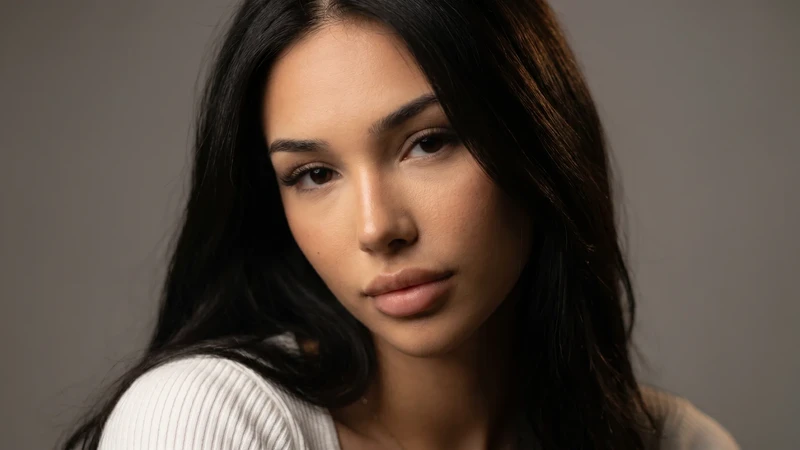
The Complete Nano Banana Pro Prompt Guide for AI Model Creators
Learn how to write Nano Banana Pro prompts that produce consistent, photorealistic AI model images. Structure, parameters, and copy-ready examples.

Seasonal Prompt Packs: The Best AI Photo Prompts for Summer 2026
Summer is peak season for AI model content. Here are our best-performing prompts for beach, travel, festival, and laid-back luxury aesthetics — ready to copy and paste.
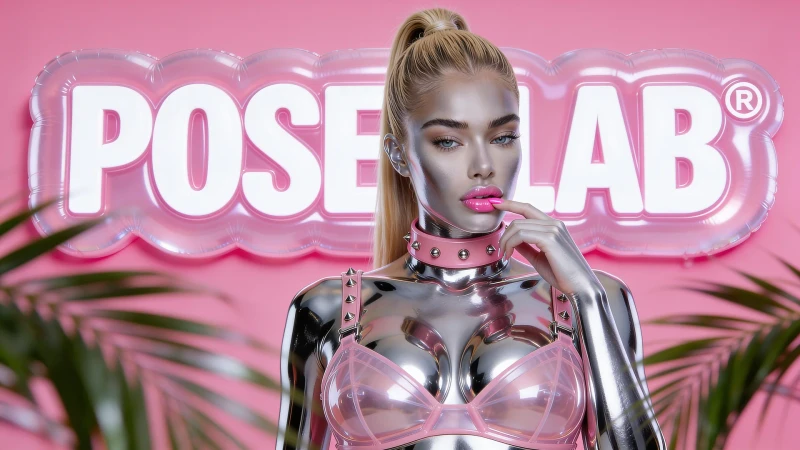
Trending AI Image Styles in 2026 (And the Prompts Behind Them)
The AI image styles dominating social media in 2026 — from Lo-Fi Realism to Y2K chrome — with the prompt language to recreate each one.
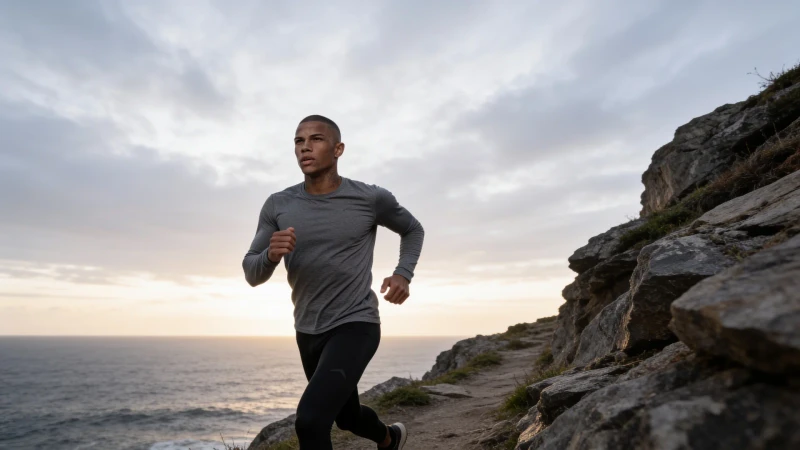
The Complete Guide to AI Prompts for Men's Fashion and Fitness Content
Most AI prompt guides are written for female creators. Here's the complete breakdown of what actually works for men's fashion, fitness, and luxury lifestyle content.
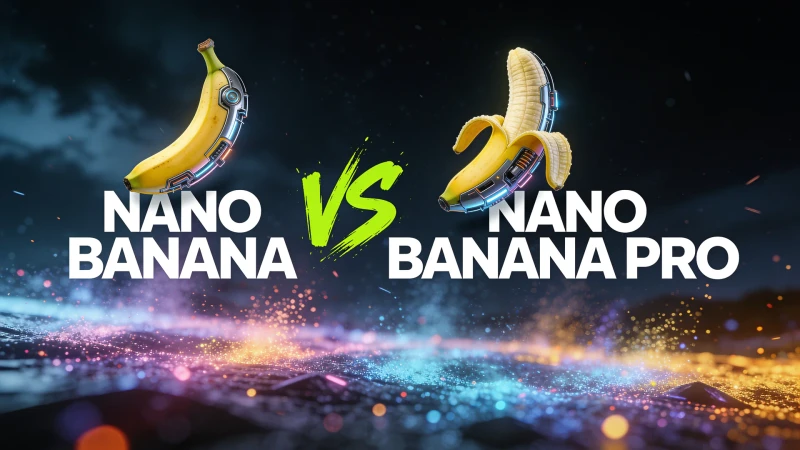
Nano Banana vs Nano Banana Pro: Which Should AI Creators Use?
A practical comparison of Nano Banana 2 and Nano Banana Pro for AI model creators — speed, quality, cost, and which fits your workflow.
How to Use AI-Generated Images for Brand Deals (Without Getting Caught Out)
Can you land brand deals with AI-generated content? Yes — but the rules are changing fast. Here's what brands currently accept, how to pitch them, and what to avoid.
What Is a Negative Prompt — And Why You're Probably Not Using One
A negative prompt tells AI what to exclude — and it's the difference between plastic-looking outputs and photorealistic results. Here's how to use one, with copy-paste examples.